Digital Signage Solutions
Engage and Inspire
SHOW
Digital Media
Captiavte audiences, streamline content and generate new revenue streams with Show Digital Media powered by Simi Digital.
Set up for Commercial Displays purchased from the SHOW Store or from one of our Partners
These Commercial Display Screens come pre-configured for plug and play operation and are our recommended choice for premium quality and style. They’re also supported with Manufacturers Warranties. Select Display Screens from dozens of options in the SHOW Store or Contact our Sales team. Powered by SIMI Digital.
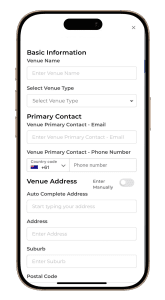
4. Add Your Venue & Your Screen
Add the details of your venue. Give your screen a name that describes its size & orientation. E.g 84 inch vertical screen. Add it to your venue by selecting it from the dropdown box.
5. Start Creating!
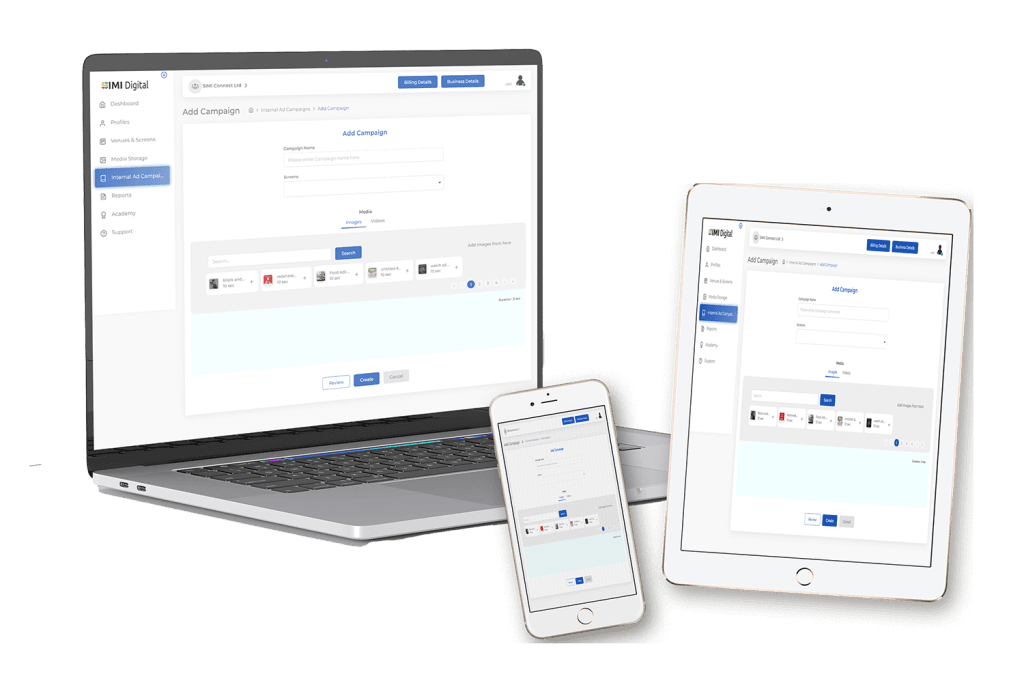
Add your media directly from your phone, computer or screen & create your content with SIMI’s content creator using your Canva & SIMI accounts
Mobile Download
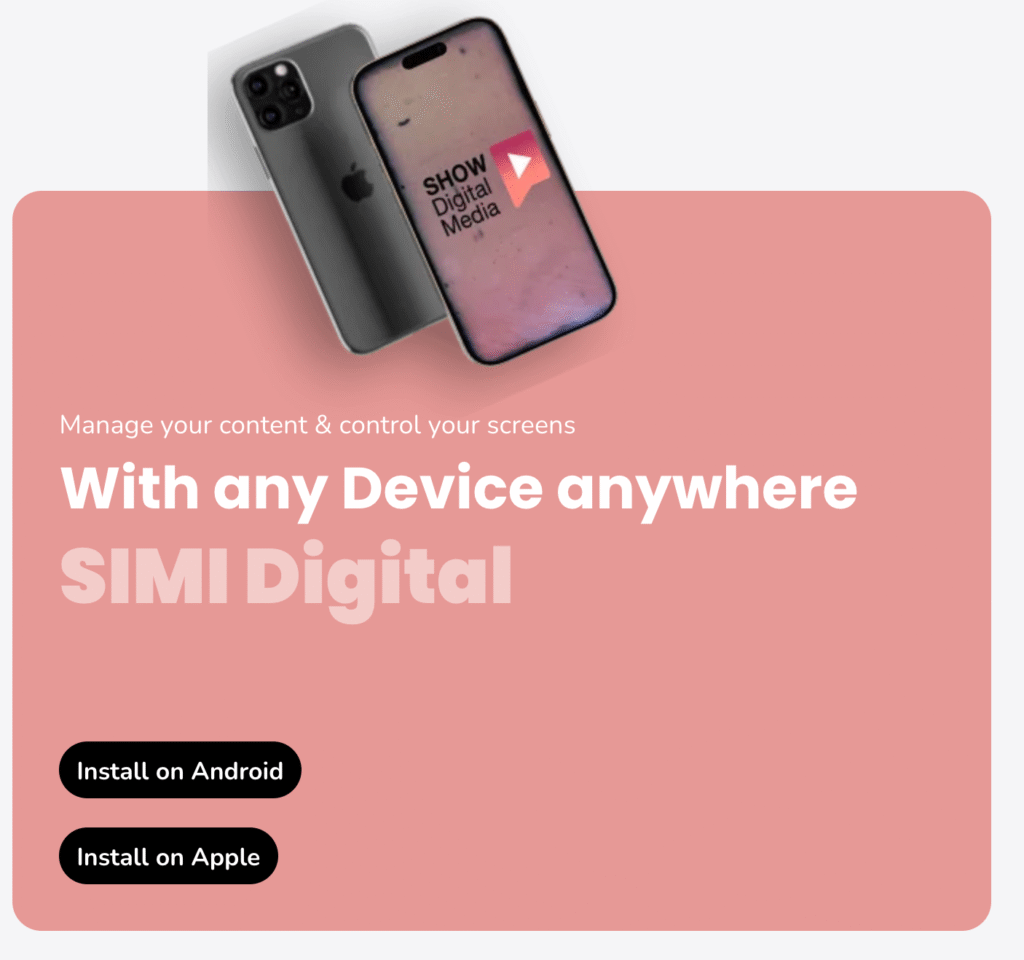
SIMI Digital is your control centre. We recommend that you download a shortcut on your mobile to create, display & Advertise on the go. Available for Apple & Android. Click here for instructions.
Set up for all other Displays & Screens. BYOD, Android, Touch and Non Touch, TV's & Media Players
You can use your existing screens, repurpose TV’s, purchase from the SHOW Store or your favourite retailers.
Step 1
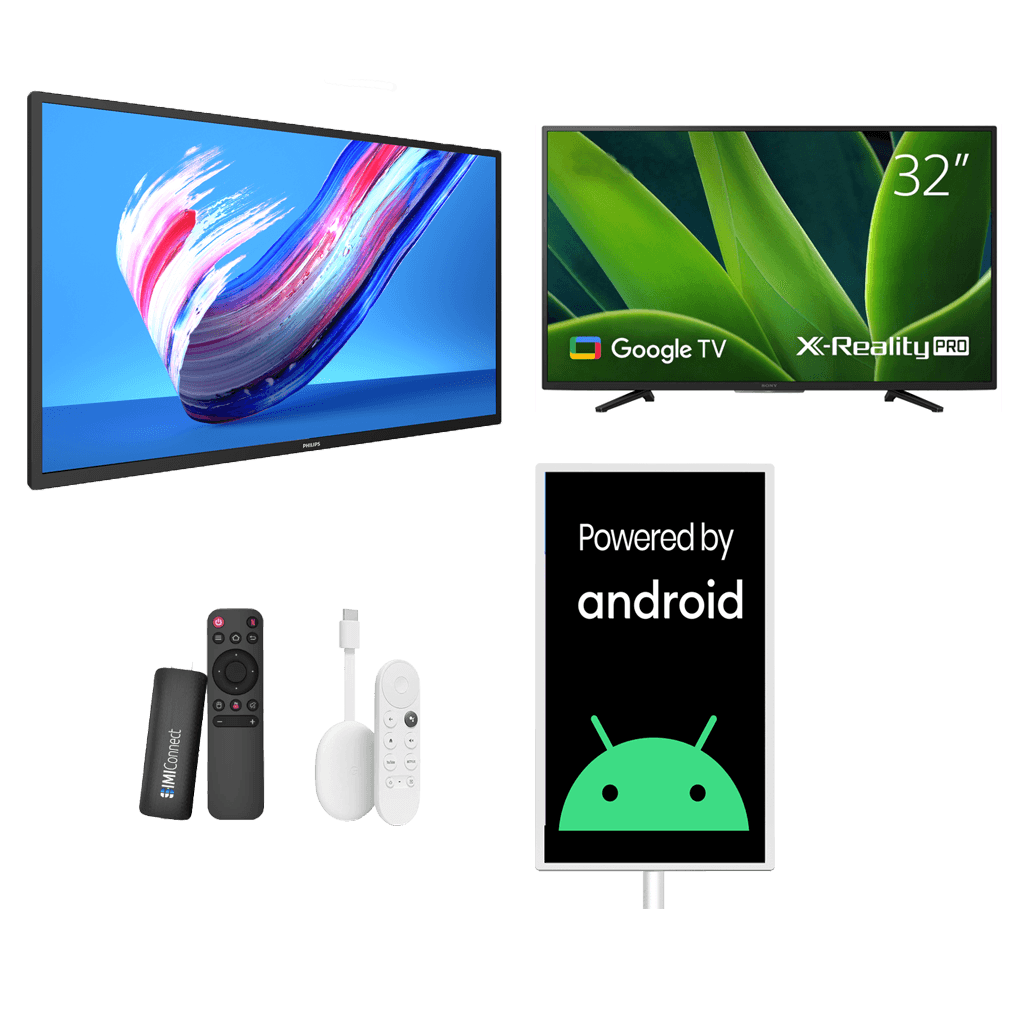
Select You Digital Player
Use your Digital Signage Screen, Google TV, Android Screen, Chromecast, SIMI Media Stick or any TV you want to repurpose. If you choose to repurpose your TV and it doesn’t have Google Play Store you will need to insert the SIMI Media Stick into the HDMI outlet on your screen. We suggest you pick a Digital Signage Screen for best results. You can shop for one in the SHOW Store.
- Commercial Digital Signage Screens work best
- They come pre-configured for plug and play operation
- Commercial Displays come with 3 Year Warranties for completed pleace of mind
Step 2
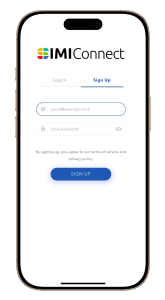
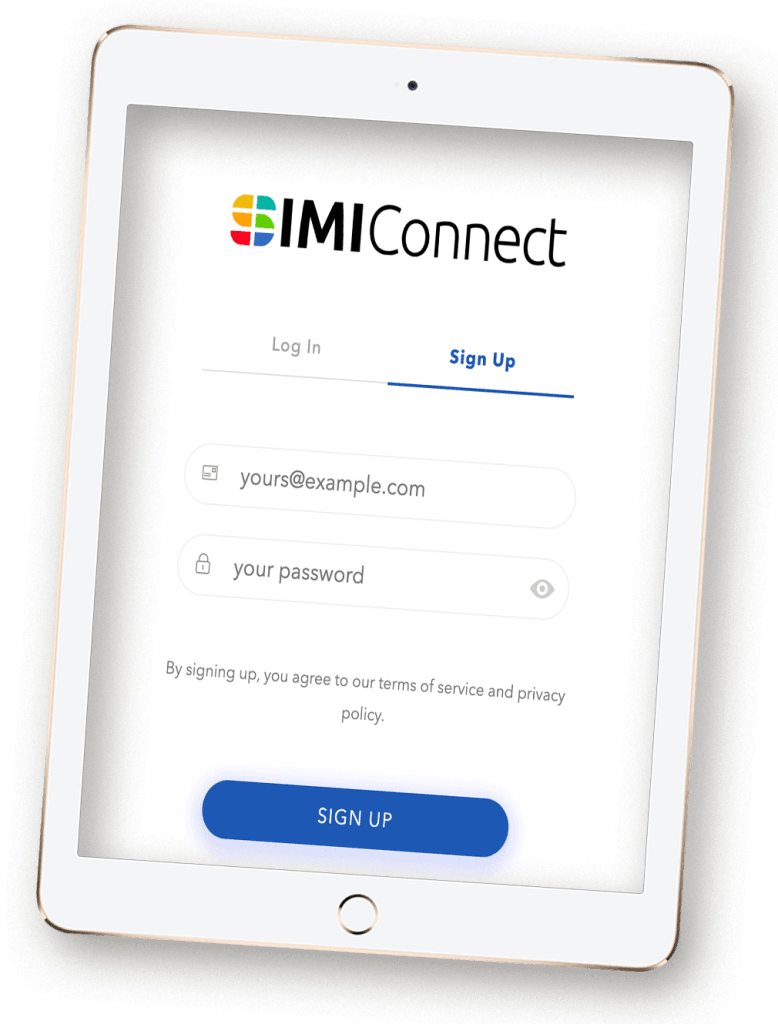
Sign Up to your SIMI Connect Account
Get immediate access to you SIMI Digital Platform by signing up. This is where you manage all your screens, venues, create content, schedule your campaigns, view reports and analytics and more.
- Sign Up to your SIMI Digital Account
- Select the amount of screens you would like to add to your SIMI Digital Account
Step 3
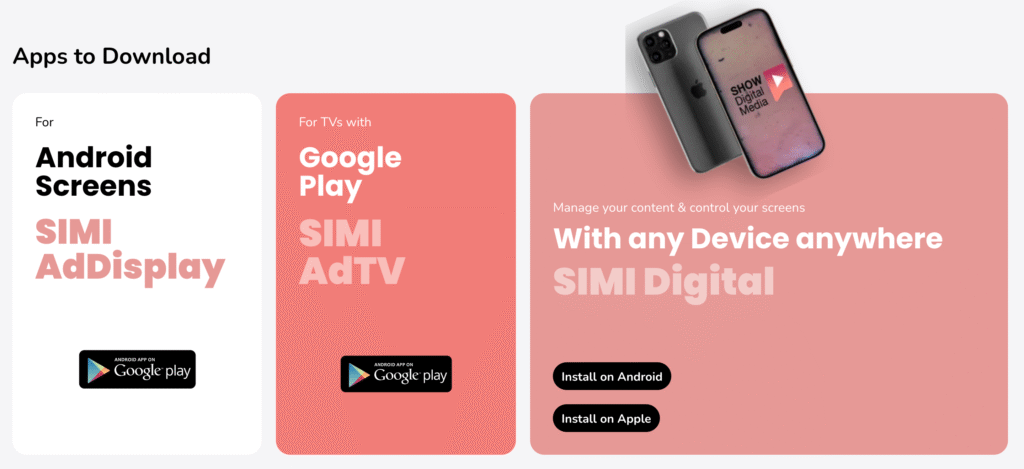
Download SIMI AdDisplay or SIMI AdTV & SIMI Digital
Download the SIMI app to suit your screen. For Smart TV’s & media streaming devices with Google Play Store, download SIMI AdTV. For Android screens download SIMI AdDisplay. SIMI Digital is your control centre. We also recommend that you download a shortcut on your mobile to create, display & Advertise on the go. Available for Apple & Android. Click here for instructions.
- Download SIMI AdTV for TV's & streaming devices with Google Play Store
- Download SIMI AdDisplay for Android Screens
- Download a shortcut to SIMI Digital for your mobile devices
- Control your screens from anywhere in the world using your mobile device
Step 4
Add Your Screen
Give your screen a name that describes its size & orientation. E.g 84 inch vertical screen. Add it to your venue by selecting it from the dropdown box.
- Name your screen
- Select your venue
- Select whether you would like to monetise the screen
- Nominate the hours you would like to use the screen for monetisation
Step 5
Start Creating
Add your media directly from your phone, computer or screen & create your content with SIMI’s content creator using your Canva & SIMI accounts
- SIMI Digital is compatible with Apple & Android Devices
- Add & create content from anywhere in the world to share to any of your screens.
Your End-to-End Digital Signage Partner
SHOW Digital Media delivers customised end-to-end solutions, managing everything from data and AV to IT , Maintenance and Creatives. With nationwide coverage in Australia, New Zealand, & the Philippines, SHOW Digital Media’s partner network is the trusted partner for leading brands like Hungry Jack’s, McDonald’s, and Woolworths.
Our network has completed over 10,000 digital signage and 5,000 AV system installations across diverse venues, supported by exclusive maintenance contracts.
The first iPhone built for Apple Intelligence. Personal, private, powerful.
Camera Control. Get the perfect photo. While barely lifting a finger.
Want to turn your audiences into a revenue Stream?
Make your Venues, Screens and Audiences work for you.
Contact Sales
Get in touch with our sales team if you require any assistance.
SHOW Digital Media
Let’s talk. Our account managers are ready to support you every step of the way.
Products & Services
- SHOW Digital Media
- The SHOW Shop
- SHOW Services (Installations, Deliveries & Warranties)
- SHOW Digital Screen Solutions
- SHOW Creative Design
- SHOW Marketing Solutions